Instant Note Capture
Press a hotkey anytime to open a quick note window and save ideas the moment they come to mind.

Zebra notes
By clicking the button above, I agree to install this product, and accept the Terms of Service and Privacy Policy.
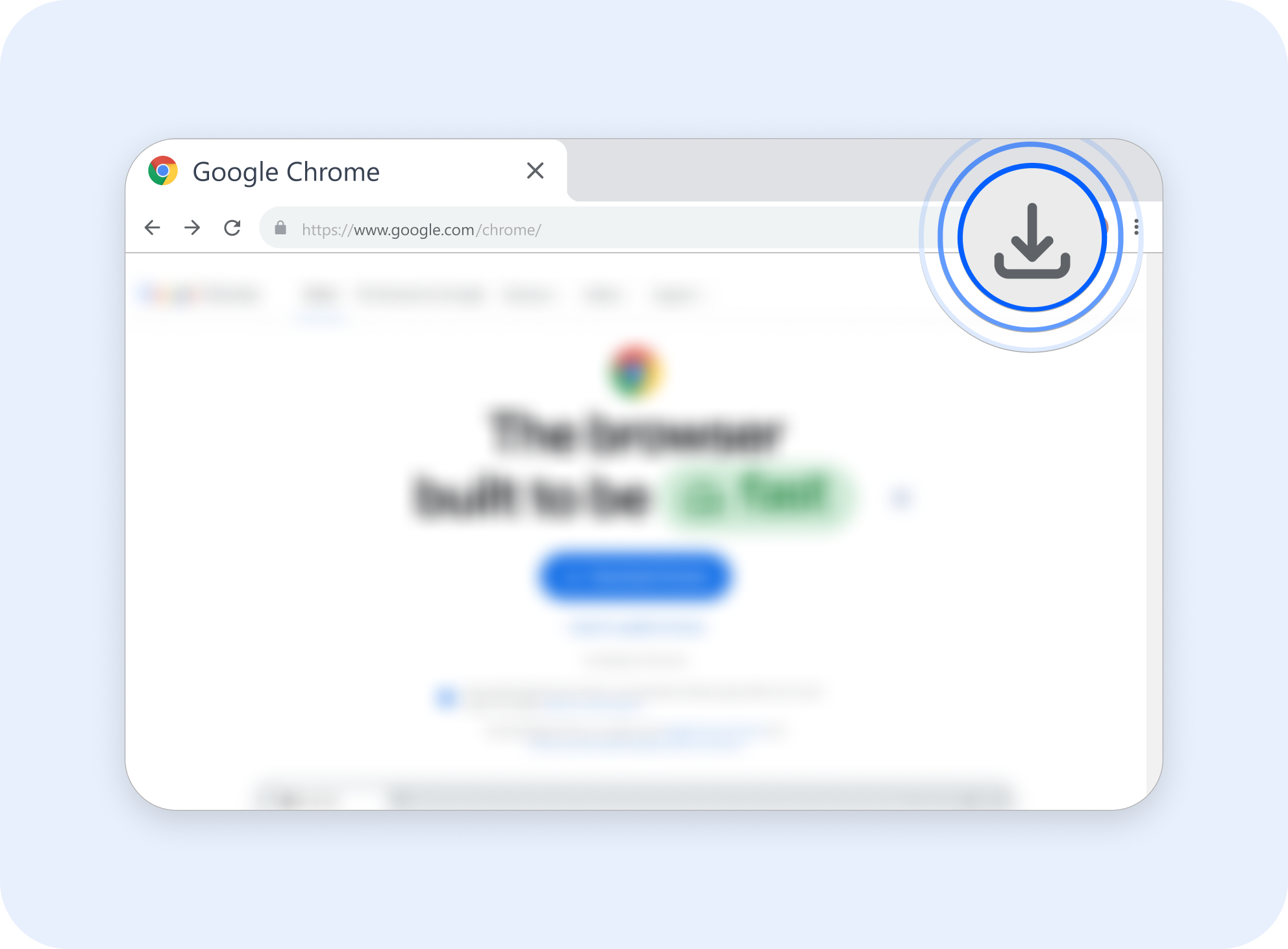
Click "Download Now" to access Zebra Notes
1
Click the "Download Now" button
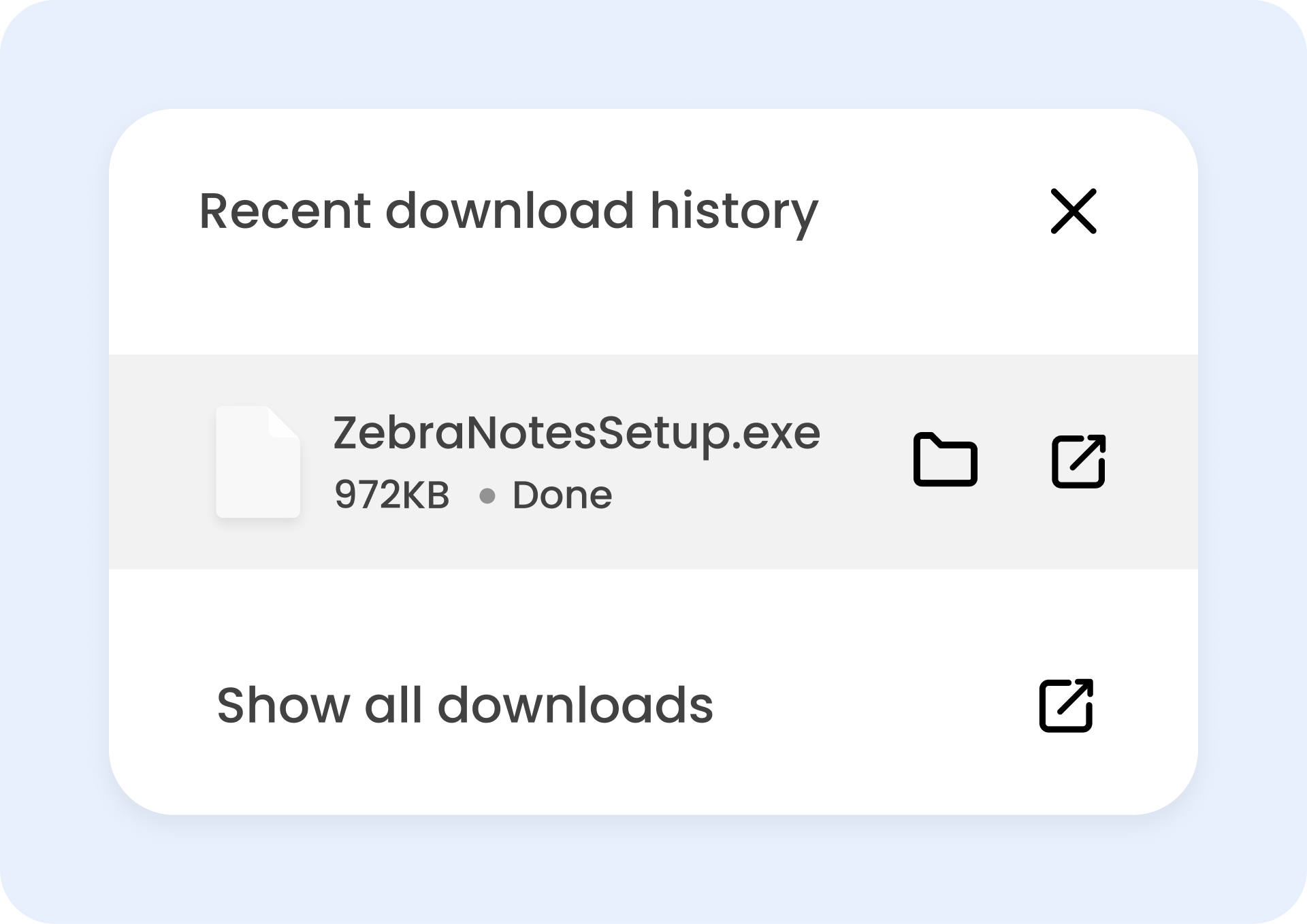
2
Start Installation
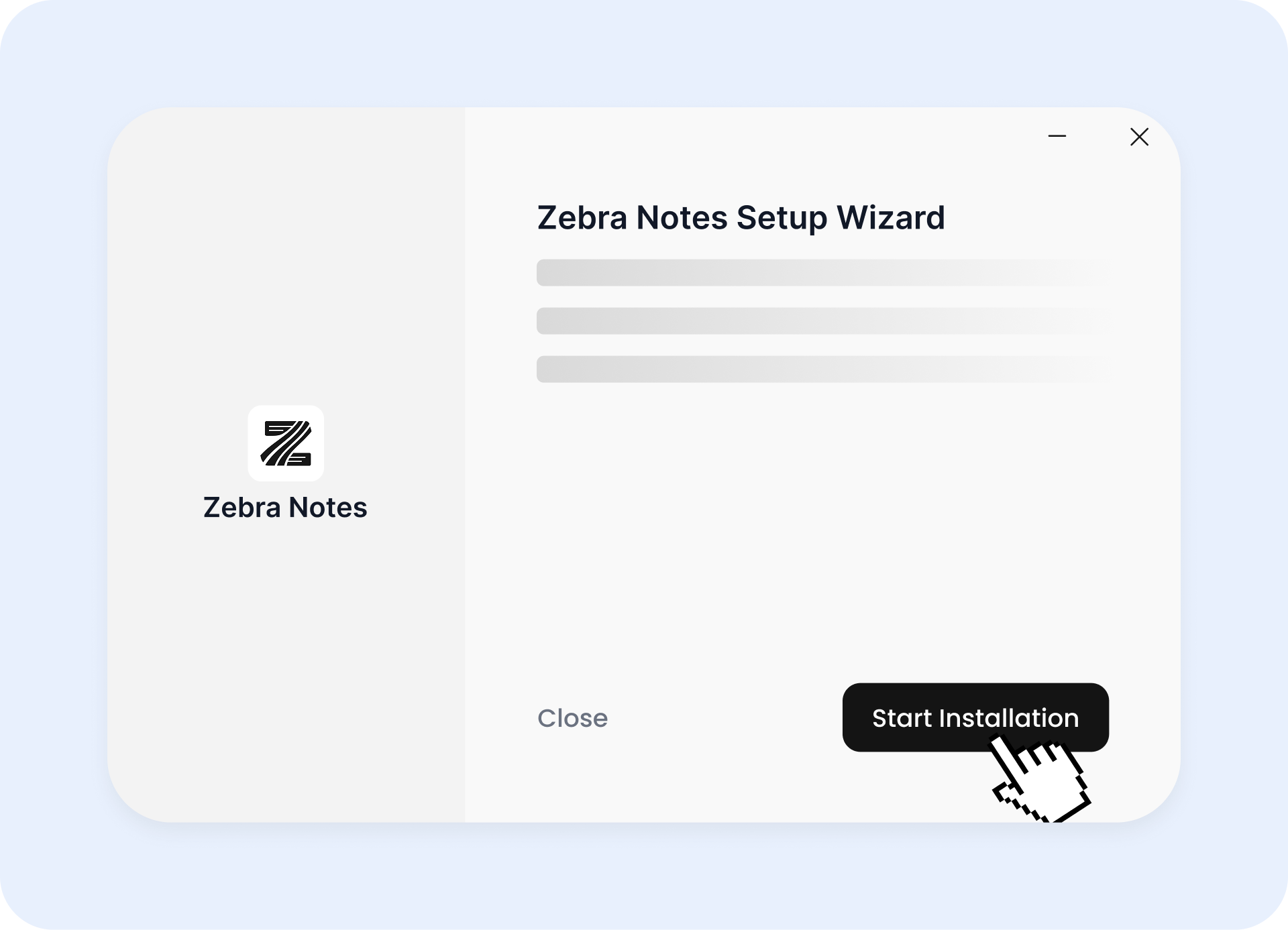
3
Follow the setup instructions
Find out how Zebra Notes Turn recordings into organized notes instantly.
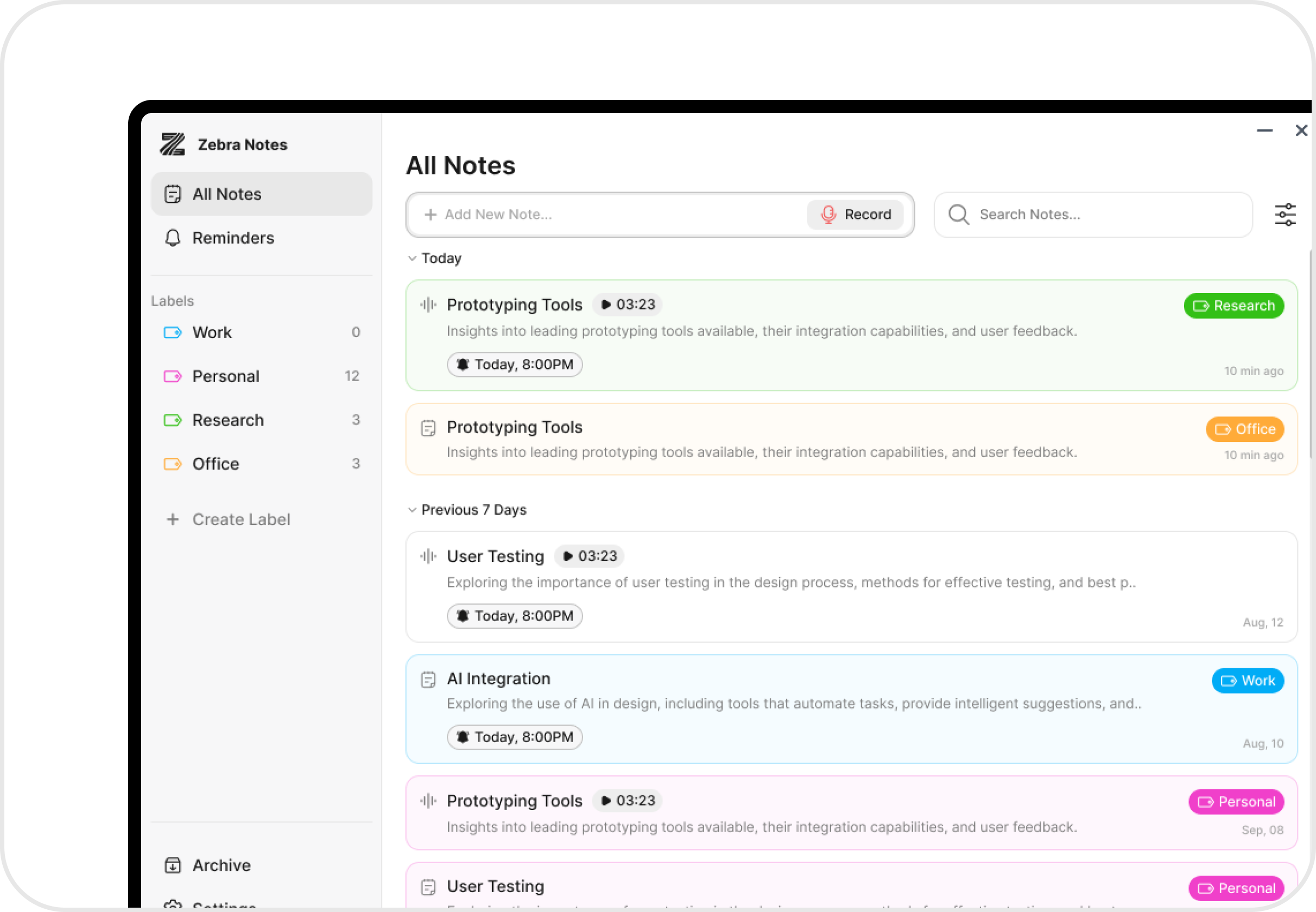
From quick note capture to smart reminders, Zebra notes helps you stay organized without extra effort.
Press a hotkey anytime to open a quick note window and save ideas the moment they come to mind.
Write notes your way use formatting, bullets, tags, and more to capture everything clearly.

Never forget a task or thought again set reminders directly within any note and get notified right on your desktop.
Group notes with folders, tags, and search find what you need in a click.

Search through all your notes instantly and find what you need in seconds.
Archive old notes and filter active ones for a cleaner workspace.
By clicking the button above, I agree to install this product, and accept the Terms of Service and Privacy Policy.